MyCoins-UK
Downloads
- MyCoins-UK v0.7 app for Windows - MyCoins-UK-Win.zip
(~88 MB)
- MyCoins-UK v0.7 app for Macintosh - MyCoins-UK-Mac.zip
(~98 MB)
- MyCoins-User-Guide - MyCoins-User-Guide.pdf
(~4 MB)
MyCoins-UKDownloads
|
|
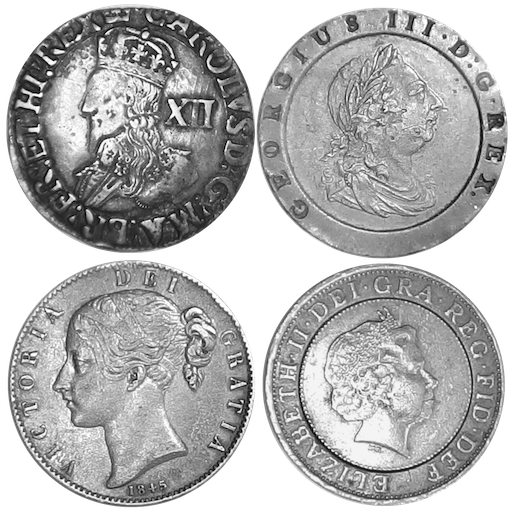
The MyCoins-UK app was developed to catalogue a substantial collection of British coins (over 950 separate items). However, a variant of MyCoins can be used for coins from anywhere. See section MyCoins-World below for details of the MyCoins-World app.
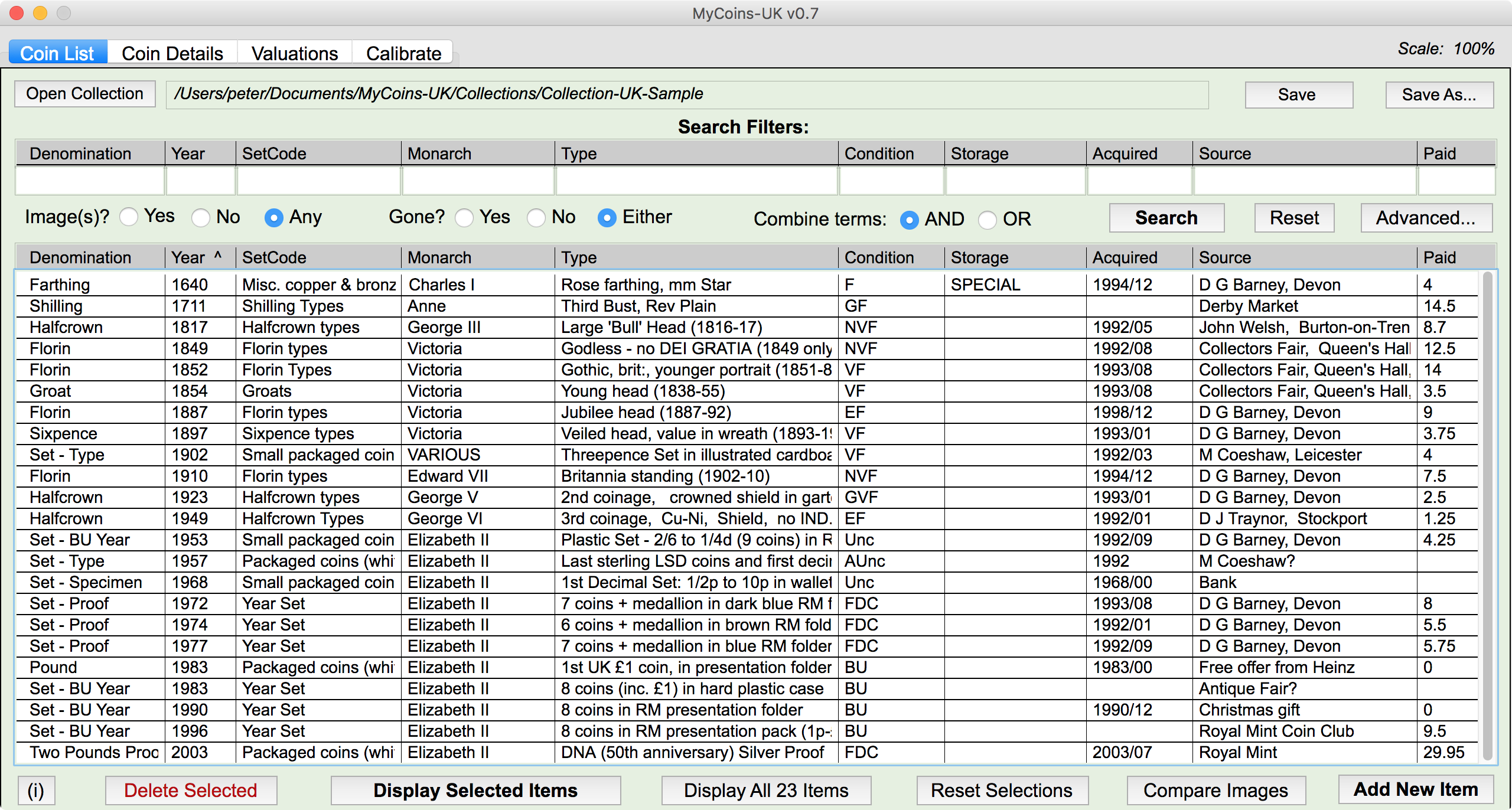
The primary database is a text file in CSV format which can be opened in a spreadsheet app such as Excel, Numbers or LibreOffice/OpenOffice.
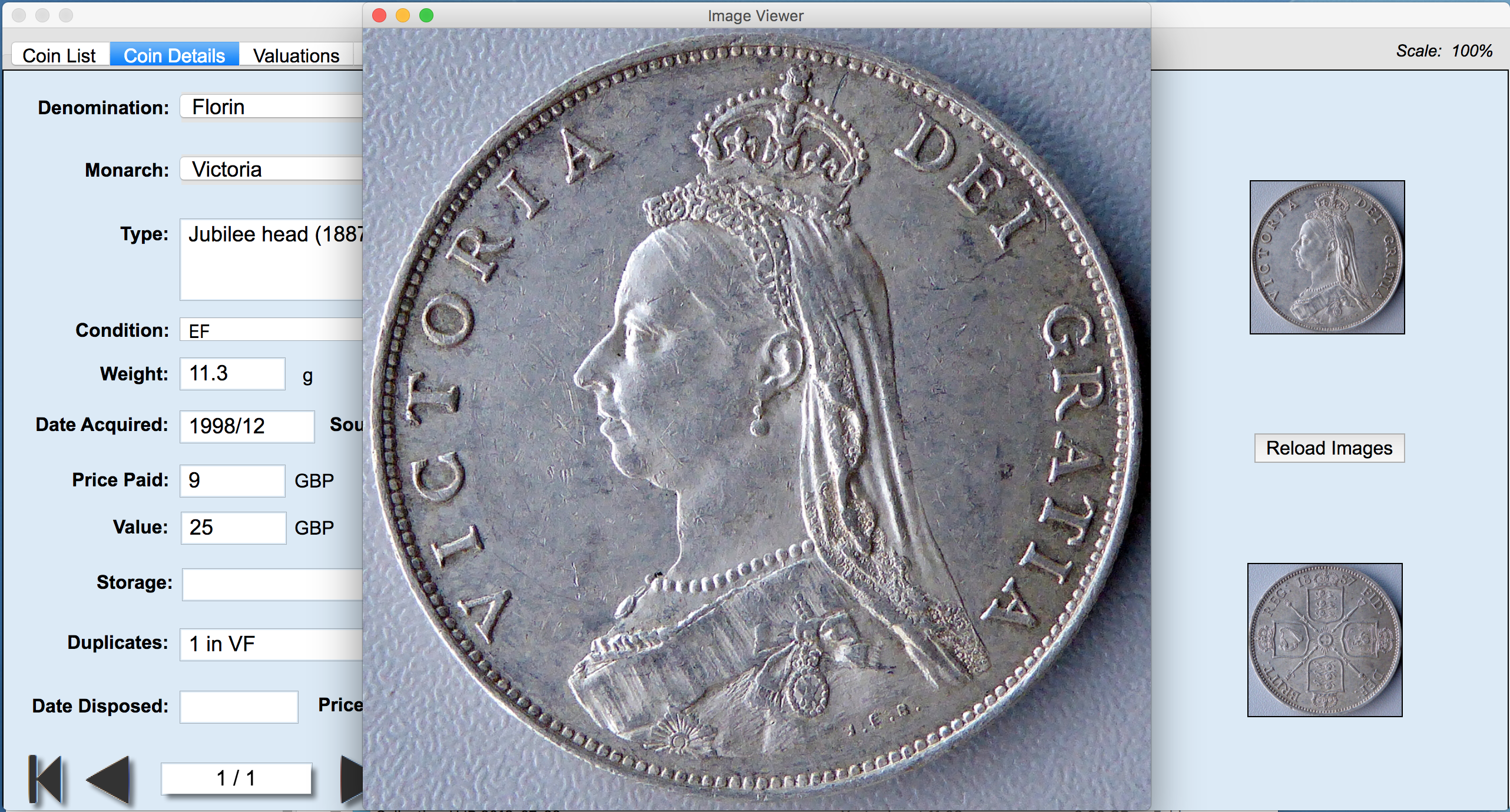
Each item in the collection can be a single coin or a set of coins. An item can have two primary pictures, the obverse/front and the reverse/back of an item. In addition an item can have a number of other images associated with it. For example, a set of coins may have additional sheets of information as part of the set, these can be included as additional images. All images are kept in a separate folder linked to the relevant items by the name of the image files.
A short video clip (approx 7 mins) that gives an overview of how this app works can be downloaded from here:
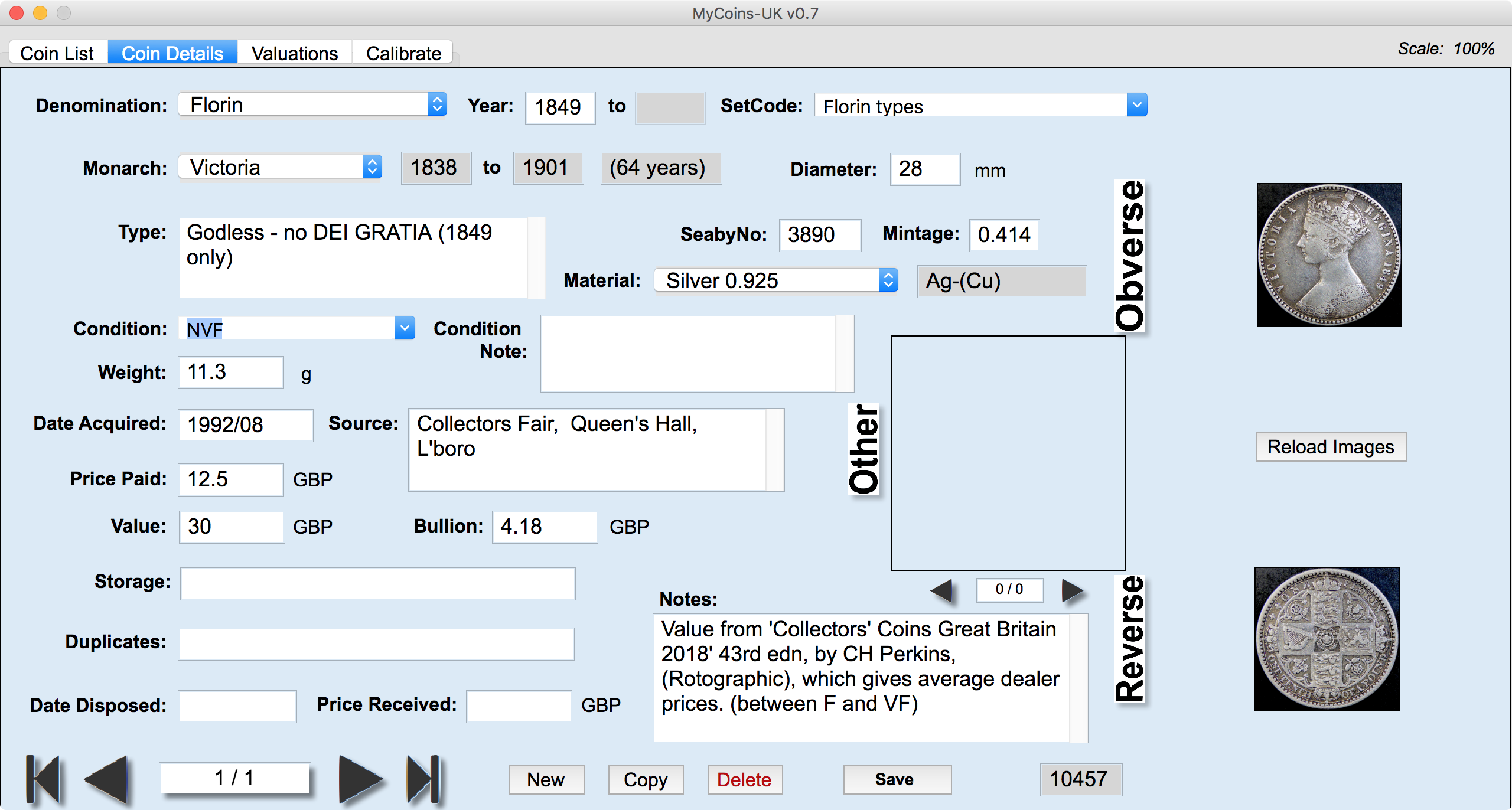
For most purposes, the User Guide can be used for both apps. The supporting document "MyCoins-World Addendum" is available to give details of the differences between MyCoins-UK and MyCoins-World.
The app is provided free of charge with no warranties or guarantees - use it or not as you wish.
Note that the version available to download from this web page
is a demo version which is
fully featured apart from being limited to a maximum 50 coins and 150 images.
Please contact Peter or Helen for details of an unlimited version.
This app has been developed to run on any recent version of Windows
from Windows 7 onwards. Also, it can run on any recent version of OS
X/macOS on the Macintosh from v 10.7.5 onwards (including High Sierra,
10.13.x). The app has no special requirements in terms of memory, disk
space, processor speed or graphics card, it'll simply run faster or
slower depending on the actual specification of your computer.
Also, a good text editor is useful for manipulating the associated app text files (*.ini and *.csv). We suggest the use of NotePad++ for Windows and BBEdit for the Mac if you don't have something suitable already. Here are links to both of these:
Note: if required a version of MyCoins that runs under common
variants of Linux
(such as Ubuntu) can be provided.
This app doesn't require any special installer or uninstaller if you decide to remove it. Simply unzip the archive you've downloaded and place the "MyCoins-UK" folder wherever is convenient. For Mac users, usually you'd place this in the Applications folder, but it can be on the Desktop or in the Documents folder instead.
For Windows users, the usual place might be inside the Program Files folder, but it can be on the Desktop if you prefer. To uninstall the app, just throw away its folder.
Note that both Mac and Window users may be asked to give permission to run the app for the first time. This is because we haven't gone through the processes to register the app with Apple and Microsoft - it's not worth the effort for limited distribution apps. If you're unhappy about this or at all unsure that you trust our apps, don't use them! Otherwise, just do what's required once and you'll not be bothered again when you use the app from now onwards.The app uses an associated text file "MyCoins-UK.ini" to control the
facilities and behaviour of the app.
This file must remain alongside the app itself (*.exe or *.app).
If you have any IT-related questions, ask Peter. However, if you
have coin-related questions, then you should contact Helen. Our contact
details
are as follows:
| Peter & Helen Reid Loughborough Leicestershire UK Email: peter@reidit.net helen@reidit.net |
This page was last updated 15 August 2018.